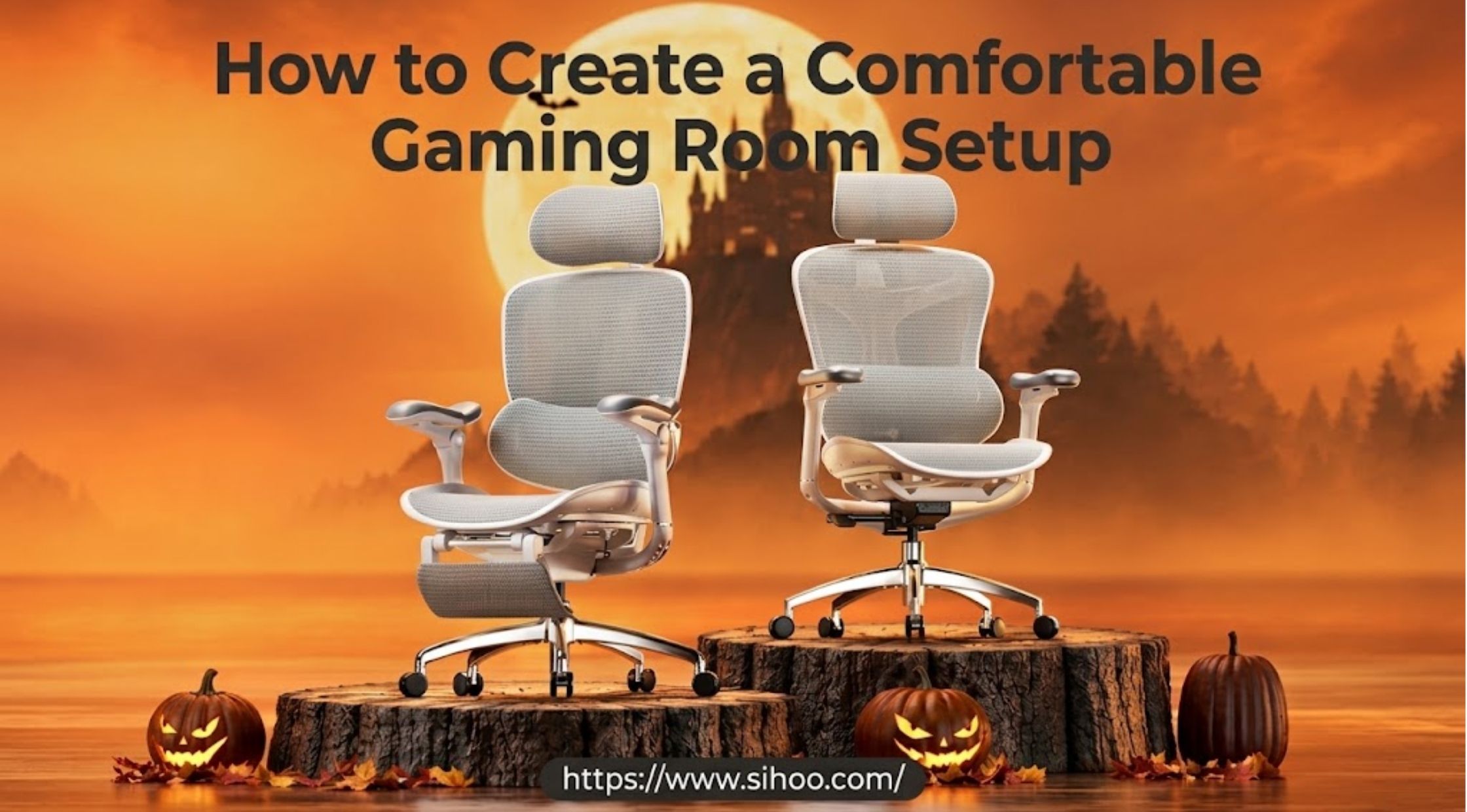
How to Create a Comfortable Gaming Room Setup
The article discusses how to design a comfortable and stylish gaming room setup.
The article discusses how to design a comfortable and stylish gaming room setup.This article addresses the design of a comfortable and stylish gaming room setup.
A great gaming room should be functional, comfortable, tidy and stylish. The ideal setup and furniture can improve the enjoyment of long-game sessions, both solo and multiplayer.
There are lots of little things that can enhance the feel and performance of your desk, like constructing a gaming laptop setup or locating the ideal gaming monitor position. A couples gaming room can be designed to accommodate two people without getting in each others way or creating any extra mess!
Laptop Setup Architecture, Ergonomic Monitor Placement, & Seating
How to Build a Gaming Laptop Setup
The gaming laptop offers flexibility as it doesn't need a desktop tower. But the environment around you still has a factor.
Begin with a solid desk where you can fit your laptop, mouse, keyboard, headphones and other accessories. When using an external monitor, test the desk to ensure there's enough space for it and that you don't end up with a cluttered desk.
It is also important to have cable management. Don't mix up wires and cables with the mouse, and keep them out of the way.
It makes a big difference if you have a comfortable chair for longer sessions. Sihoo provides ergonomic seating choices that can fit into your gaming desk and can be used for regular desk work as well.
Setting Up the Best Gaming Monitor Position
The positioning of monitors can impact comfort and sight. To get the most out of your gaming experience, you will need to determine the best position for your monitor based on your height, monitor size, desk setup and distance from your monitor.
Place the screen in front of you and not set to one side so that your head must be forced to turn. The upper part of the screen should be about eye level or just below, so that you don't have to keep holding your head up high to see what is going on.
The viewing distance should also be comfortable for you. Don't position the monitor too near that you must strain your eyes or continually move your head to view various parts of the monitor.
When using more than one monitor, the main monitor should be in front of you and the second monitors should be located to the sides.
How to Choose a Gaming Chair
A gaming chair must allow you an easy and comfortable seating position, while still giving you plenty of freedom of movement.
Check for seats that can be adjusted for seat height, backrest position, armrests and lumbar support. The chair should also offer sufficient space to sit and sit comfortably under the desk.
If you are looking at ergonomic chairs for gaming, or computer work, you can't go wrong with Sihoo. When selecting a chair, consider how you actually sit and compare the chair's adjustment features.
A chair suitable for gaming can serve for studying, working, surfing the web and more in the office.
Couples Gaming Layouts, Cable Management, & Ergonomic Comfort
How to Create a Couples Gaming Room
A couples gaming room has to be able to fit two people while not being overcrowded.
The initial step is to gauge the room and determine if you need two desks or a single bigger workstation. A shared desk can be used to provide a connected arrangement, or separate desks can be used to provide more personal space.
Ensure that both players have comfortable seating and sufficient space for their monitors, keyboards, controllers and other equipment.
You can also tie colors, lights, wall art and décor and accessories together to help you achieve cohesion without making both setups look exactly the same.
How to Organize Two Gaming Stations
When two people share a room, good organization is even more important.
Provide a specific space for each player for their regular accessories. Organize smaller items with cable clips, under desk storage, shelves or drawers.
If players are using headphones or controllers, and charging devices, make it convenient for them to store them, so they don't pile up on the desk.
Maintaining an open middle portion of the room can help keep the space not too cramped to move around in and can keep the room relatively open.
How to Improve Gaming Comfort
Your chair and monitor is not the only thing that makes you feel comfortable.
Your desk should be at an appropriate height and your keyboard and mouse should be located at an appropriate height for your arms such that they can remain relaxed. Sit up so your feet can fit comfortably in your chair when gaming.
Make frequent breaks in long sessions. Get up, move around, and adjust the distance of viewing periodically.
It can also help to minimize contrast between the light coming from a screen and the darkness of the room. Light to ensure good visibility, but avoid any reflections on the monitor.
Multi-Use Room Optimization & Final Setup Integration
Creating a Flexible Gaming Space
Create a flexible gaming space.Making a flexible space for games.
The gaming room, even with a gaming room, does not have to be used for playing games only.
Consider furniture that can be used for various tasks if you have to work or study at the same desk. If you have several uses for your setup, an ergonomic chair from Sihoo can help.
Have accessories neatly stored to switch from games, work, entertainment or other tasks that require the computer.
Conclusion
Final Thoughts on Gaming Room Design
The first step to creating a comfortable gaming room is to consider how the equipment, furniture and available space will function together.
Design the gaming setup for your laptop based on the hardware that you plan to use and allow adequate space for mobility. If you are using an external display, try different set-ups to determine what is best for you and your height when it comes to setting up the monitor for gaming purposes.
A well-designed couples' gaming room can offer two functional gaming spaces to couples without compromising a clean and comfortable setting.
As you are planning your gaming room, take look at the ergonomic seating options that Sihoo have to offer. Know the dimensions of your space, choose furniture that will be comfortable for you, plan your equipment and design a space that is functional for games and daily activities.
Subscribe
You will receive the latest news and updates on your favorite celebrities!
Latest posts

How to Choose Yesoul Fitness Equipment for Home Workouts
For the best results, focus on the essentials rather than the specifics.



How to Choose Pop Lighting and an Adhesive Wall Sconce
Lights can transform a room's appearance and ambiance.